Sync Outlook for Mac to Android, iPhone & iPad
CompanionLink is the experienced leader in Outlook for Mac Sync for Contacts, Calendar, Tasks and Notes. We have over 1 million downloads because we offer risk-free buying with a full money-back guarantee! and free telephone technical support
Average rating 4.83/5 (662 reviews) Money‑back guarantee Free US‑based phone support
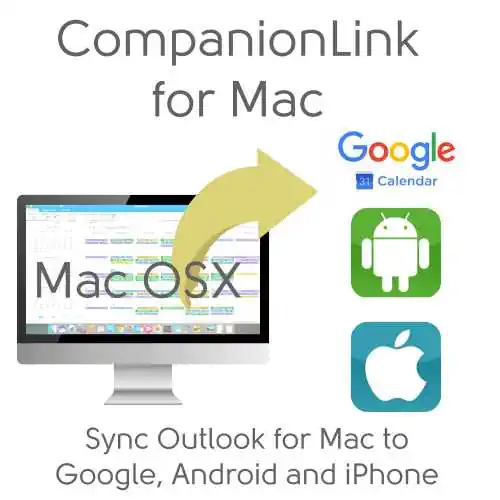
Set up two-way sync between your Google account and Outlook for Mac. Simply add your Google credentials to our CompanionLink for Mac app. Our cloud service runs in the background. Changes in Google or on your Mac will automatically sync. Here's a setup guide. Here's a video.
Outlook for Mac sync direct to Android
Direct sync with mobile devices bypasses cloud services like Google. Simply select the type of device you have from the Settings menu. You will be asked to download our DejaOffice mobile app to your device. DejaOffice now features a Direct Sync option so you can use the Phone Contacts and Calendar. Use your phone's built-in Contacts and Calendar apps. Or choose to use DejaOffice CRM that will hold key Outlook fields for Contacts, Calendar, Tasks, and Categories. Here is an Android setup guide.
Outlook for Mac sync to iPhone via Google or Secure DejaCloud
DejaCloud sync is a proprietary sync system that is secure and fast. Or sync with Google for easy access to Contacts and Calendar. For DejaCloud Sync, download our DejaOffice mobile app to your iPhone or iPad. When you run it, you will be asked whether to sync to Apple Contacts and Calendar, or to use the DejaOffice CRM that also features Categories, Tasks and Notes. Here is an iOS setup guide.
Sync Outlook for Mac to Google
- Two-Way Sync or One-Way Sync
- Outlook Calendar to Google Calendar
- Outlook Contacts to Gmail Contacts
- Outlook Tasks to Google Tasks
- Sync from Google to your Phone
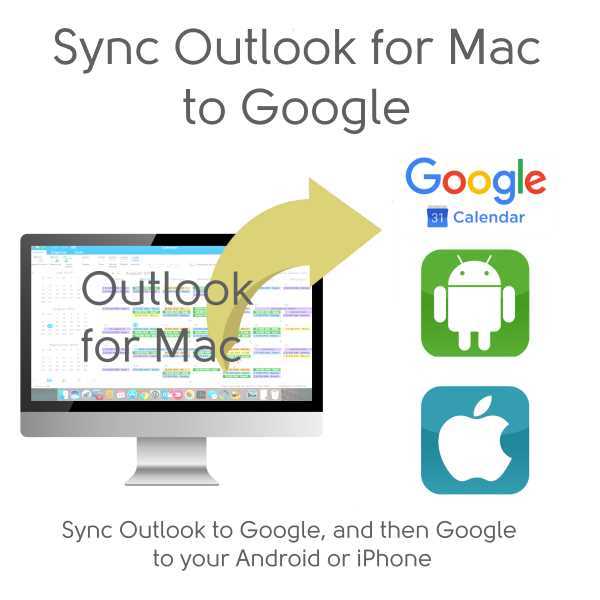
Synchronize from Outlook to Mac to Google. The changes you make in Outlook will be sent to your phone. The changes on your phone will go to Outlook.
Click here for Sync Outlook for Mac with Google...
Sync Outlook for Mac to iPhone or iPad
- Two-Way Sync or One-Way Sync
- Outlook Contacts to iPhone Contacts
- Caller ID based on your iPhone Contacts
- Outlook Calendar to iPhone Calendar
- Optional: Use DejaOffice CRM on iPhone to see Outlook Tasks and Notes
- Automatic DejaCloud Sync
- Secure direct Sync
Sync from Outlook for Mac to iPhone or iPad. Direct sync using DejaCloud. On the phone you have two options. One is to use iPhone Contacts and Calendar. The other option is to use DejaOffice which shows your data like Outlook. DejaOffice supports Outlook style Calendar Colors, Outlook Tasks and Outlook Notes.
Click here for Sync Outlook for Mac with iPhone\iPad...
Sync Outlook for Mac direct to your Android Phone
- Two-Way Sync or One-Way Sync
- Outlook Contacts to Android Contacts
- Caller ID based on your Outlook Contacts
- Outlook Calendar to Android Calendar
- Optional: Use DejaOffice CRM on Android to see Outlook Tasks and Notes
- USB, Wi-Fi or DejaCloud Sync
- Secure direct Sync
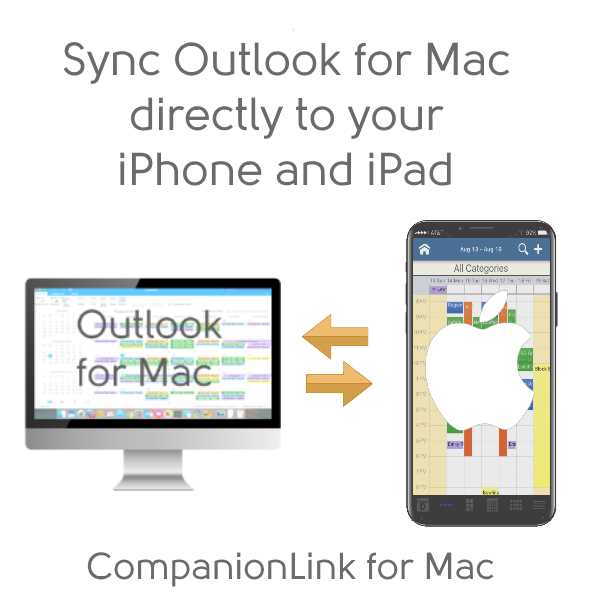
Sync from Outlook for Mac to Android. Direct sync using USB, Wi-Fi or DejaCloud. On the phone you have two options. One is to use Android Contacts and Calendar. The other option is to use DejaOffice which shows your data like Outlook. DejaOffice has full support for Outlook Calendar Colors, Outlook Tasks and Outlook Notes.
Click here for Sync Outlook for Mac with Android...
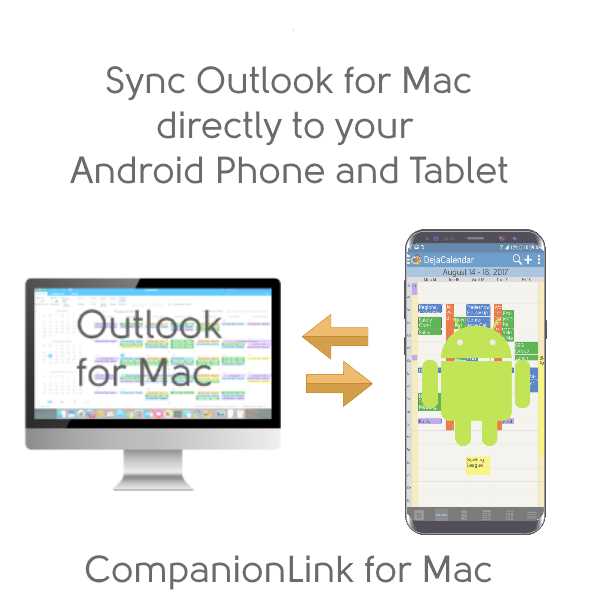
Outlook data you can sync
- Outlook for Mac Contacts
- Names, addresses, phone numbers, email addresses
- Outlook categories and colors sync to Android
- Contact notes
- Birthdays
- Up to 9 custom fields
- Outlook for Mac Calendar
- Day, Week, Month and Year views
- Recurring and all-day events
- Alarms/reminders
- Busy/free flags
- Accepted meeting invites (with list of attendees)
- Outlook for Mac Tasks
- Task priorities
- Recurring tasks
- Due dates
- Outlook for Mac Categories
- Contacts Categories sync to Google Groups and to our DejaOffice app on mobile devices
- Calendar Categories sync to separate Google Calendars and to our DejaOffice app on mobile devices